Playing on the TV: getting comfortable with games on a bigger screen
Moving a game from your hands to the living-room screen changes how it feels. A controller, the right TV setting and a sensible seat make it far more enjoyable.
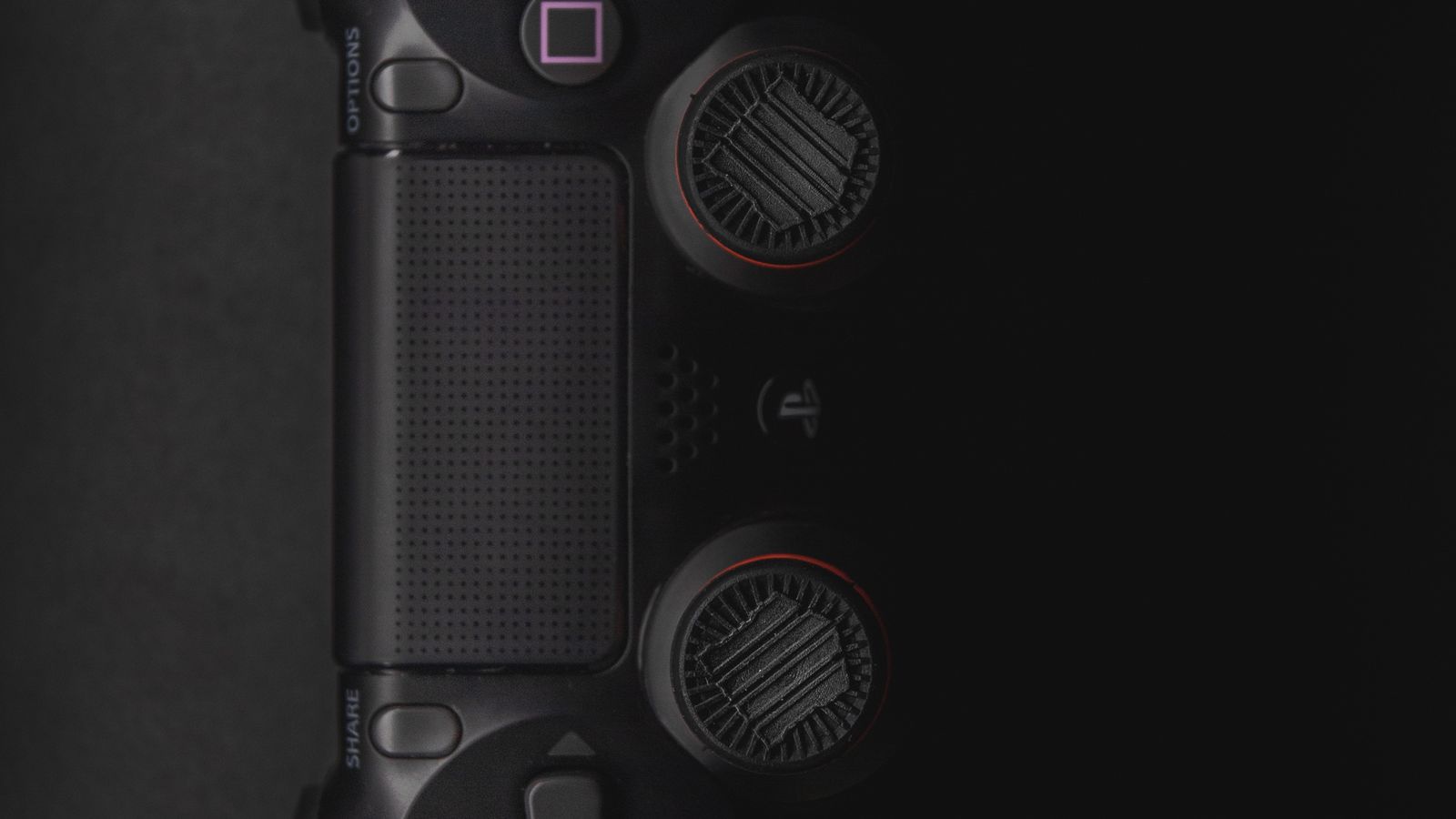
Many games you can play on a phone or laptop can also be played on a TV, either directly or through a device plugged into it. The bigger picture is great, but a few things work differently from the sofa.
Turn on the TV's game mode
TVs process the picture to make films look smoother, which adds a small delay between pressing a button and seeing the result. Game mode switches most of that off. Look for it in the picture settings; some TVs switch to it automatically when they detect a console or controller.
Use a controller
- Touch controls are designed for a screen in your hands, not one across the room.
- Many games support standard wireless controllers. Check the game's settings for controller support.
- Charge it before you sit down; a flat controller ends a session faster than anything.
Sit at a comfortable distance
Too close and you'll be moving your eyes around the screen to follow the action. A rough guide is about one and a half times the width of the screen. Keep the room lit a little, so the screen isn't the only bright thing.
Check the sound
Game sound often carries useful clues. If dialogue or effects are hard to make out, try the TV's sound modes or turn the music down in the game's audio settings.
Once it's set up, a game you've only played on a phone can feel like a new one.